The app

App Store · Android beta

Rabbitbrush: a plant identifier for the western US that works offline

Rabbitbrush names a plant from a photo with no signal at all, in airplane mode or anywhere out of cell range. Everything it needs is inside the app. Take a photo, or pick one from your library, and get a ranked list of five species, with their common names and links to Wikipedia. On an iPhone an answer takes about a quarter of a second, and no photo is uploaded to get it.

Download on the App Store

iPhone, iOS 18 or later · free, no ads.

On Android, the beta runs through Google Play. Play admits testers by a Google Group, so joining the group comes first.

Do all three on the phone, signed in to the Google account its Play Store uses: press Join group, then Become a tester, then install · Android 10 or later · about 400 MB for the model.

Step 1 opens the group's page on Google Groups. The small Join group button next to the group's name is the whole step (tap it, then Join group again in the box that opens). The button is gone once you are a member, so no button means you have already joined.

Step 2 can take a few minutes to open after step 1, and step 3 opens only for testers. If Play says the app is not available, go back a step.
What you get

Offline

No signal needed

The classifier, the species list and the common names are inside the app, so identifying a photo needs no connection. On the iPhone, History, the field check and ranking by location work offline too. I checked it in airplane mode. Two things use a connection: opening a Wikipedia link, and sharing field checks. A field check made out of range is kept, and shared when the phone is back in range and the app is opened.

Knows

4,191 species, eleven states

The list is the species iNaturalist observers have recorded in Colorado, Wyoming, Montana, Idaho, Utah, Nevada, New Mexico, Arizona, Washington, Oregon and California, wild and cultivated plants both. The classifier is a DINOv2 vision transformer I fine-tuned at home on one GPU.

For

Someone in the western US with a plant in front of them

Outside those states the list is the wrong list. The app has no class for your plant, so it will be confidently wrong, and nothing you send back would teach it anything. I would rather say that here than have you find out over a bad week.

Unsure

It says when it is not sure

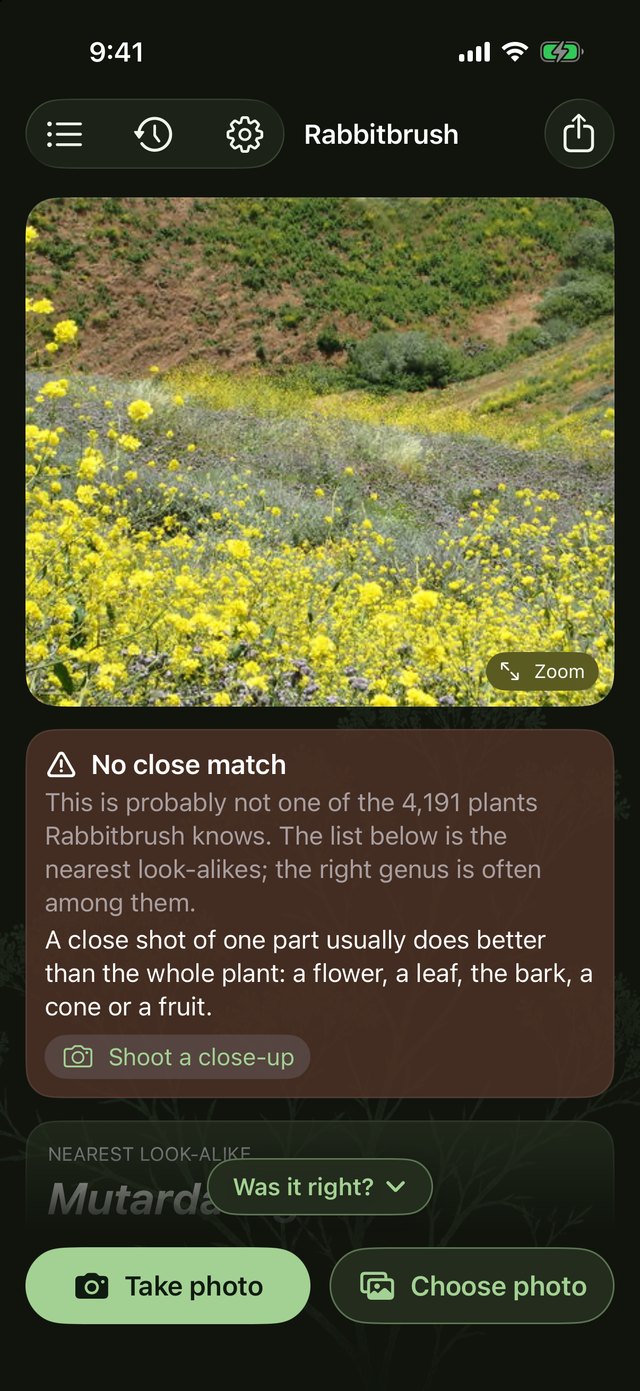
When the top answer is not clearly ahead the app says so instead of pretending. Two states: the genus looks right but not the species, or nothing close. Either way it asks for a close-up of the part that would settle it, a flower, a leaf, bark, a cone.

Location

Optional, and it stays on the phone

With Settings > Location on, wild species are re-ranked by what is recorded within about 100 km of the photo: the phone's position for a new shot, the photo's own GPS for one from your library. The table that does it ships inside the app, so the location is not sent anywhere to look it up. Off by default.

On the phone

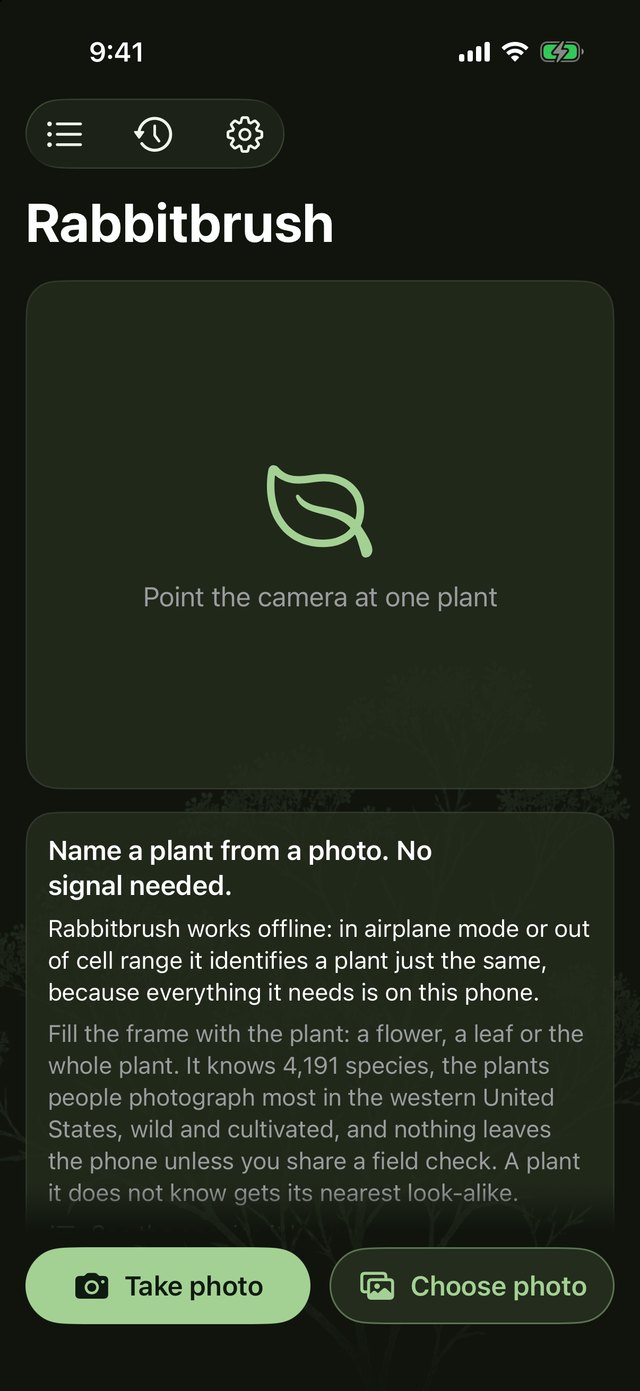
The first screen: Name a plant from a photo. No signal needed.
The first screen. No signal needed.
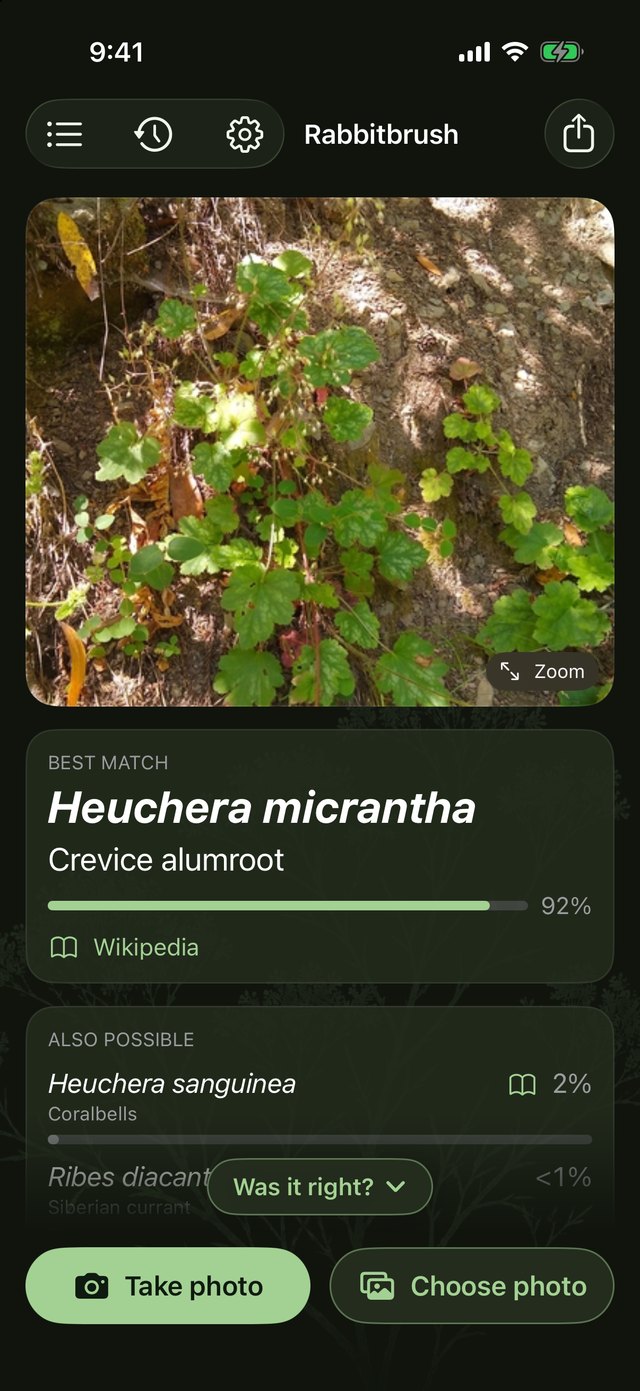
A confident result, Heuchera micrantha, with the five candidates ranked.
A result: five species, ranked.
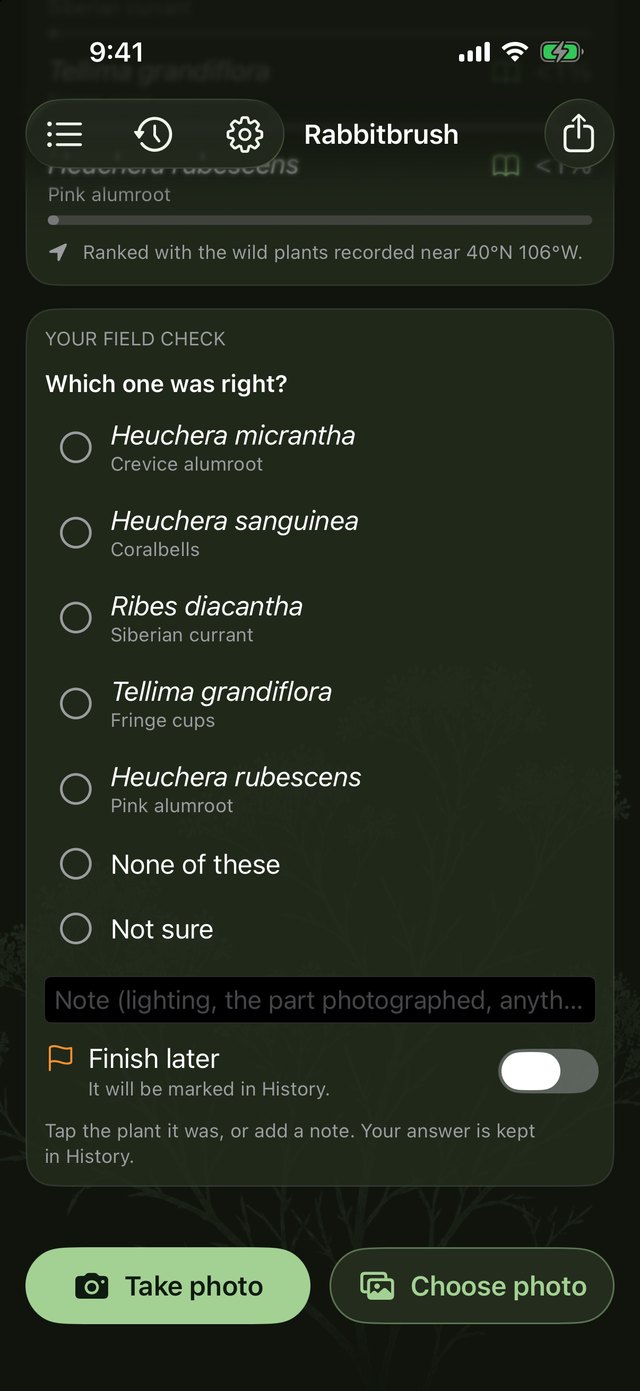
The field check under a result: which of the five was right, or the plant's name if none.
The field check under every result.
No close match on a wide shot of a hillside, with the advice to shoot a close-up.
When it is not sure, it says so.
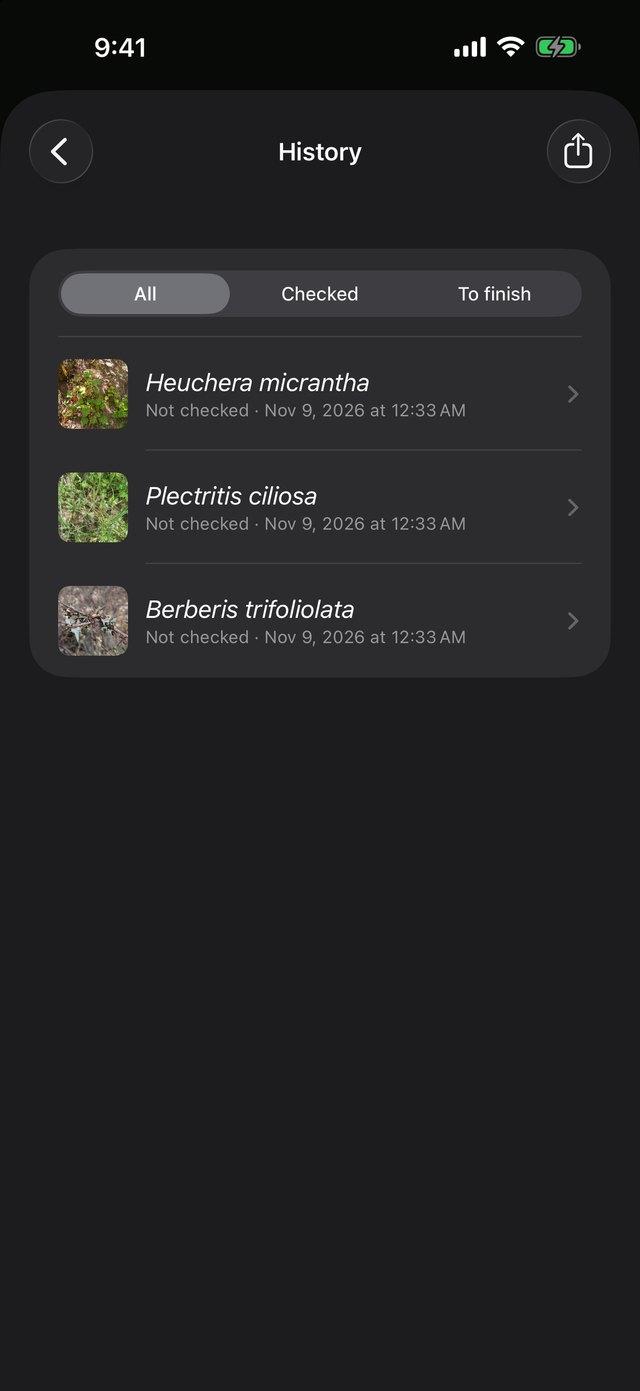
History: three plants identified, each with its name and date.
History, kept on the phone.

How it gets better

The people using it are teaching the model.

Under every result there is a field check: which match was right, or the plant's name when the list missed it, and a note. The app keeps these on your phone. If you agree to share them, each one comes to me as you make it, and the misses are the list the next training round has to answer. A test set tells me how the model does on photos like the ones it trained on. You tell me how it does in the hand of someone standing in front of a plant. What sharing sends, and what it never sends, is written out in full.

What to expect

Updates  new versions as the model improves The model  changes between versions as the field checks come in Needs  an iPhone on iOS 18 or later, or an Android phone on Android 10 or later Costs  nothing. No ads Accounts  none to create. On an iPhone, sharing field checks uses the iCloud account already on the phone; without one, nothing is sent. On Android, sharing needs only a connection Collects  nothing, until you turn sharing on. What sharing sends is listed on the privacy page, item by item